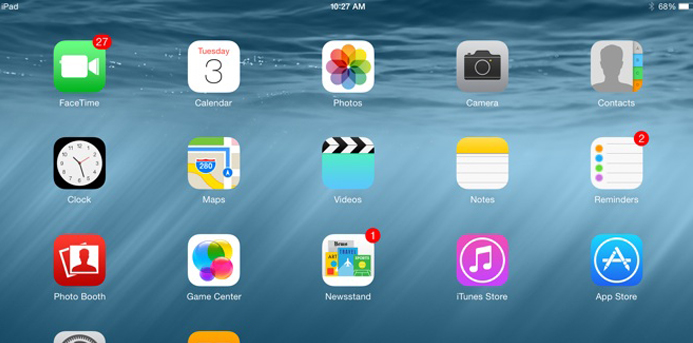
It seems like it was just recently that the Apple world was turned upside down upgrading to iOS 7. On Wednesday, Sept. 24, Apple introduced iOS 8.
iOS 8 does not have a new look to it, but it brings in a ton of new features. Here are seven of the hidden gems in this latest update.
What is eating up my battery?
You can now find out how much and where your precious battery is being used. To check this, simply go to Settings > General > Usage > Battery Usage and you can quickly determine which apps are draining your battery.
Access recent contacts.
In iOS 7, you could double tap the home button and access any of your open applications. Now you can access your recent contacts that float above the applications.
Save all those large photos in iCloud.
If you use iCloud for your photos, you can save space on your iPhone by only saving optimized photos to your iOS device. To do this, go to Settings > Photos and select “Optimize iPhone Storage.”
Find your iPhone’s last location.
Can’t find your phone? No problem! Enable the feature called “Send Last Location” and it will send you the last known location of your iOS device when the battery gets down to a low level. That way, even if you battery dies because it was left on silent and vibrate, you will know where to look for it.
To activate it, go to Settings > iCloud > Find My iPhone and then toggle on the “Send Last Location” button.
Say cheese in 3…2…1
The camera application has a ton of new features, but the one we like is the new timer. Within the Camera app, there is a clock icon on the right above the shutter. Tap the clock and choose either 3 or 10 seconds. Once you tap the shutter, the timer will start to count down.
Are you sure you are sure?
Also in the Camera app is now a “Recently Deleted Photos Album.” In case you accidentally delete a photo, you can go to the Album titled Recently Deleted photos, find the photo and select “Recover” on the bottom right.
Each photo has its own “deadline” date of when it will be permanently moved to the trash so you have some time for photo remorse.
Run through your Inbox.
Another great feature of iOS8 is that you can swipe on unopened Mail messages to either reply, forward and other mailing other options. You can change which way would you prefer to swipe. To change these features go to Settings > Mail, Contacts, Calendars and choose Swipe Options.
iOS 8 is a great release for all of your i-devices and a great way to keep them in sync with each other and in iCloud. Have any questions about them? Let us know.
Jennifer Speaker lives in Villa Park with her two children and works in Lombard, IL. She runs around most days balancing single mom life with technology life and tries to get a book in every few weeks. She is involved on the Marketing and Fundraising committees of Seton Academy, a Catholic Montessori school in Villa Park.